An AI coding workflow from requirements to a tested patch
A useful AI coding workflow turns a specific requirement into a small change you can inspect and test. Give the model the relevant context, agree on the behavior, review its proposal, then run the checks in your own development environment. This walkthrough uses a fictional tag-cleanup feature to show what each step should produce.
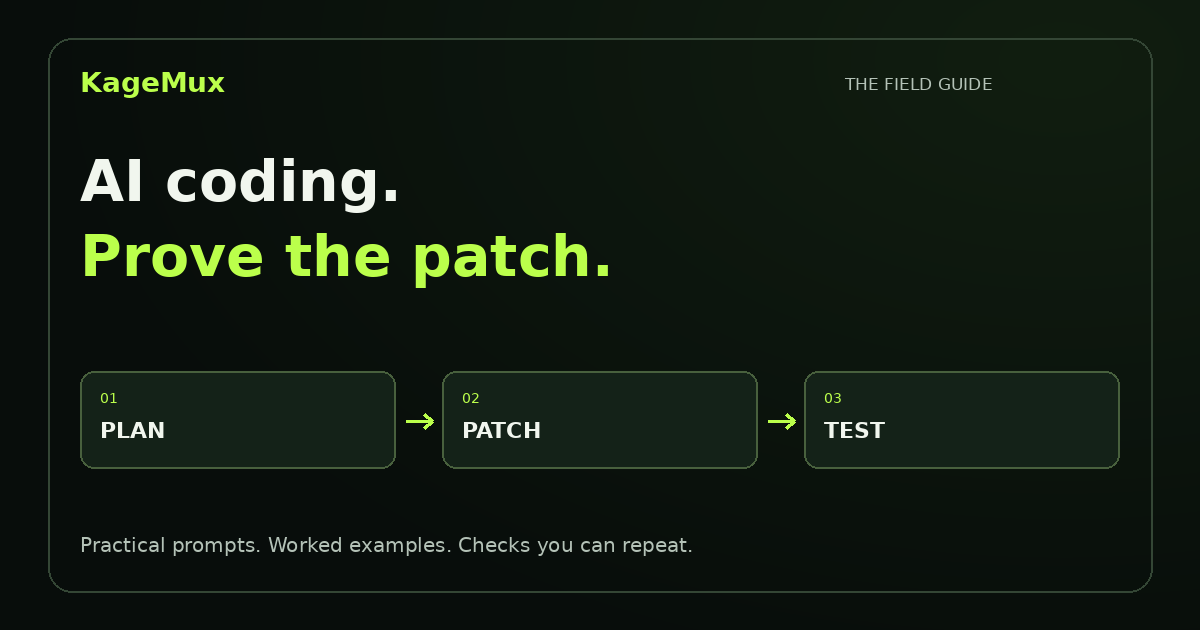
1. Define the behavior before asking for code
Start with one observable change. “Clean up our tags” leaves important decisions open: whether case matters, whether order matters, and what happens to bad input. Write those decisions down so that both the proposed code and your review have a reference.
In this fictional project, a task board has a JavaScript helper named normalizeTags. The agreed contract is: accept an array of strings; trim surrounding whitespace; convert text to lowercase; discard empty results; remove duplicates after normalization; preserve the first occurrence of each normalized tag; and return a new array without changing the input. Reject a non-array or any non-string element with TypeError. One invalid element rejects the whole call.
The visible outcome is concrete: [" Design ", "design", "", "CODE"] becomes ["design", "code"]. Sorting, translating labels, changing the database and altering the task-board interface are outside this change.
Prompt 1 — turn the request into acceptance criteria
Read the request and supplied code. Restate the intended behavior as acceptance criteria, with inputs and expected outputs. Separate confirmed requirements, open decisions and work outside scope. Identify callers that could be affected. Do not implement yet or invent missing project details.

REQUEST: [paste]
RELEVANT CODE AND CALLERS: [paste]
CONSTRAINTS: [paste]
Resolve open decisions yourself before continuing. Use the project brief template when the same constraints need to survive a longer conversation or a model handoff.
2. Share a small, relevant context packet
Supply the helper, its important callers, the existing tests and the project’s actual runtime and test command. Include the nearby conventions that matter: module format, error handling and whether other callers expect tags to remain in their original order. Copy version information from your project rather than asking the model to guess it.
A useful packet explains the current behavior, the desired behavior and a minimal example of the difference. If the problem only occurs through a form or API, include a sanitized description of that path. A helper can be correct while its caller still passes the wrong value.
Remove API keys, tokens, passwords, private customer records and unrelated configuration before sharing. Replace sensitive values with clearly labeled placeholders while retaining the structure needed to understand the problem. Inspect logs and screenshots as well as code; a stack trace or request example may contain information the change does not require.
3. Review the plan before the patch
Ask for the smallest implementation that satisfies the contract in this repository. For the tag example, the important order is validate, normalize, discard blank results, then deduplicate. Removing duplicates before normalization leaves " Design " and "design" as separate inputs that later become the same output.
Review proposed files and dependencies. A new package, framework migration or unrelated cleanup needs its own reason; none is necessary for this small helper. Check that the plan preserves existing exports and explains any caller change required by the explicit error contract.
Prompt 2 — propose a focused change
Propose the smallest patch that meets these approved acceptance criteria. First list the files and behavior you would change. Preserve existing project conventions and unrelated behavior. Explain the order of operations and error handling. Use existing dependencies. If essential context is missing, identify it before proposing code.

CRITERIA: [paste]
CONTEXT PACKET: [paste]
Once the plan is coherent, request the patch in a form you can compare with the current files. Keep an unchanged baseline or recoverable commit before applying it.
4. Inspect the change against the contract
Read the diff before running it. Follow one input through every branch and check each acceptance criterion. For the example, verify that normalized values are the ones used to detect duplicates, and that the output order follows the input rather than alphabetical sorting.
Look closely at convenient-looking changes. Converting every value with String(value) would turn invalid input into labels such as "null", contrary to this contract. Mutating the input array could affect another caller. Silently skipping bad elements would also change the agreed all-or-nothing behavior.
Review any commands separately from the explanation. Confirm which directory they run in, what they write and whether they need network access. A test command should not unexpectedly deploy the application, change real data or install an unreviewed dependency.
Prompt 3 — review against requirements
Review this proposed diff against the approved contract and existing callers. For each issue, name the affected requirement, give a concrete failing input and explain the smallest correction. Separate confirmed defects from questions. Do not claim tests ran. Do not rewrite unrelated code.

CONTRACT: [paste]
DIFF AND CALLERS: [paste]
A second model can offer another review, but its agreement is not a test result. The AI answer comparison guide explains how to judge alternatives against the same requirements.
5. Run tests that challenge the behavior
Write expected results from the contract before accepting the implementation. Cover the ordinary case, boundaries, invalid input and effects on callers. The following matrix is an illustrative test plan, not a report of executed tests.
| Case | Input or action | Expected result |
|---|---|---|
| Normalize and deduplicate | [" Design ", "design", "CODE"] | ["design", "code"] |
| Keep encounter order | ["beta", "ALPHA", " Beta "] | ["beta", "alpha"] |
| Remove blanks | ["", " ", "code"] | ["code"] |
| Empty collection | [] | A new empty array. |
| Wrong input shape | "design" or null | TypeError. |
| Invalid member | ["design", 7] | TypeError; no partial result. |
| Preserve caller data | Keep a copy of the original input and compare after calling. | The original values and order are unchanged. |
Use the project’s existing test runner in your own development environment. Run the focused tests first, then the relevant surrounding checks: perhaps a caller test, type check, lint step or build. Choose them because the change could affect that behavior. A passing helper test does not prove that the form displays its error correctly.
Record the actual command, environment, result and remaining gaps. If the command cannot run because a dependency or service is unavailable, label that check unverified. A generated test file, a predicted output and a real passing execution are different things.
6. Diagnose one failure at a time
When a check fails, preserve the exact error and the smallest reproducing input. Identify whether the failure belongs to the requirement, implementation, test setup or surrounding environment. Avoid asking for a whole new solution when one branch is wrong.
For example, if the output contains two "design" entries, inspect normalization and deduplication order. If the test cannot import the helper, check the project’s actual module configuration before changing business logic.
Prompt 4 — interpret observed evidence
Diagnose this observed failure using only the supplied contract, diff and test output. Distinguish an implementation defect from a test or environment issue. State your evidence and any uncertainty. Propose one focused correction and the check that would confirm it. Do not mark it fixed before a new result is provided.

CONTRACT AND DIFF: [paste]
COMMAND, ENVIRONMENT AND OUTPUT: [paste]
Review the correction, apply it deliberately and rerun the affected checks. Keep the previously failing example as a regression case when it represents behavior the project must continue supporting.
7. Record what actually passed
Finish with a short change note: the original problem, the resulting behavior, files changed, checks actually run and any unverified paths. Include the exact revision or saved patch so another person can review the same result.
For the fictional task board, a useful note would name normalization order, invalid-input handling and input preservation, then attach the observed test results. Do not write “production ready” merely because a model reviewed the diff. Follow the project’s normal review and release process.
If you need to check a library behavior or requirement first, use the research workflow with an evidence ledger. Keep the relevant primary documentation beside the brief. In KageMux, bring that brief and the sanitized code to an available model; carry out code execution and verification in the development environment where the change will be used.