A project brief that travels between AI models
The most useful handoff is a short, explicit brief. It gives the next model the facts it needs without asking it to infer your entire project from a long conversation.
Read the guideA useful multi-model workspace does more than put several model names in a menu. It helps you keep working when the task, the model or the available connection changes.
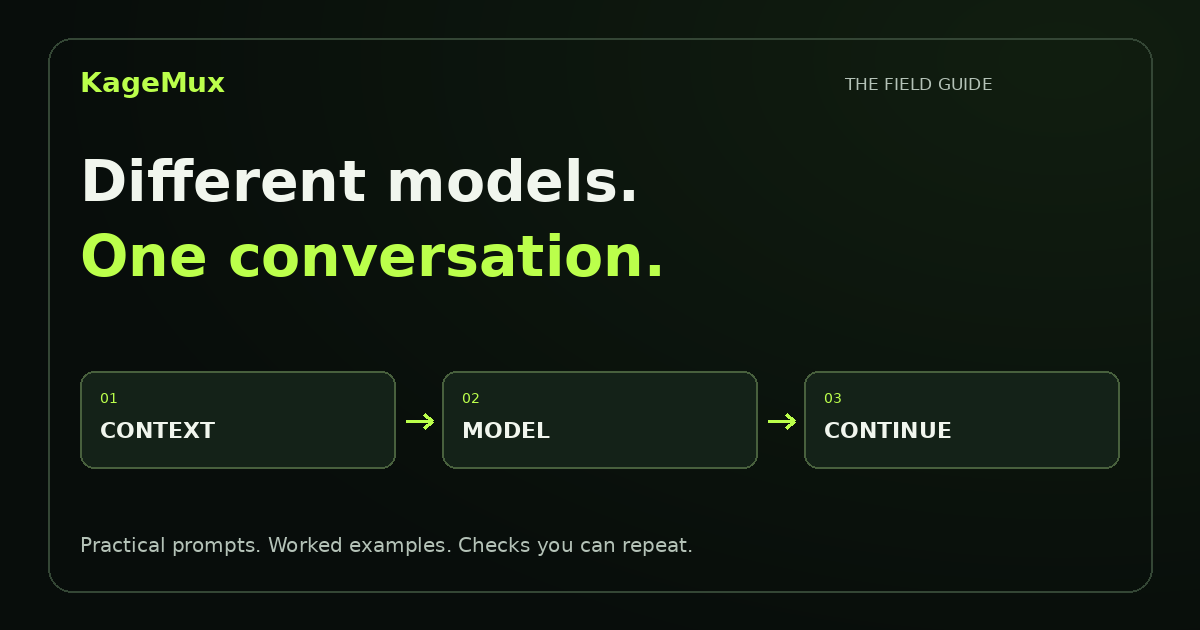
Pick a piece of work you already understand: a short brief, a small code change or a document with facts you can check. Give each candidate model the same instructions and compare the result against your requirements. A fluent answer is not enough if it misses the budget, invents a source or changes the meaning.
For example, ask for a 150-word event announcement with a fixed date, audience and tone. Then ask a second model to identify unsupported claims in the draft. This tests whether switching helps the work, rather than whether two models can produce different wording.
For a repeatable comparison, use our AI answer scorecard and comparison prompts. It separates an independent test from a critique inside an existing conversation.
| What to check | A useful test |
|---|---|
| Saved conversations | Refresh, sign back in and reopen the same thread. |
| Model identity | Check which model is named on the actual reply. |
| Context | Switch models and ask about an exact pinned project fact. |
| Files | Confirm that the chosen route supports the file and that the file was selected for the request. |
| Access | Distinguish an available included route from a tool link or a route requiring your own key. |
A catalog entry is not a promise of unlimited capacity. Read the current access state, especially when a product groups chat models and separate tools in the same directory.
The workspace can retain a conversation while a model receives only a bounded selection of it. Very long threads, attachments and tool results may need different handling. Keep essential requirements in a short pinned brief, and ask the next model to restate them before making a consequential change.
Use the KageMux continuity guide for the current switching behavior, and the project brief template to make a handoff easier to inspect.
Choose based on the task and the route's actual capabilities. A text-oriented model may be useful for editing but unable to inspect your photo. A coding model may help explain a function without having access to your repository or a terminal. A research answer still needs sources; switching models does not verify a citation.
A practical sequence is draft, critique, then revise. Keep the source material unchanged between those steps and compare the final output with it. If the models disagree, inspect the evidence instead of treating agreement or confidence as proof.
A shared interface does not make every provider the same service. Review the processing notice for the selected route. When a backup model is offered, check the backup provider and whether it receives the same saved context. A useful interface identifies a substitution instead of presenting the backup as the original model.
In KageMux, the model library separates published options and their capabilities. Access follows your signed-in account and current provider availability. Check the membership page for the current offer and checkout status before making a purchase decision.
Keep the workspace if this removes repeated setup and makes the result easier to verify. More model names alone do not make a better workflow.